Download Videos from Any Website: Guides, Tips and Fixes
VideoFetch is a free, browser-based tool that lets you browse any website through a cloud virtual browser, automatically detect every video stream, and download it directly to your device — no extensions, no software, no registration required.

Guides In Articles
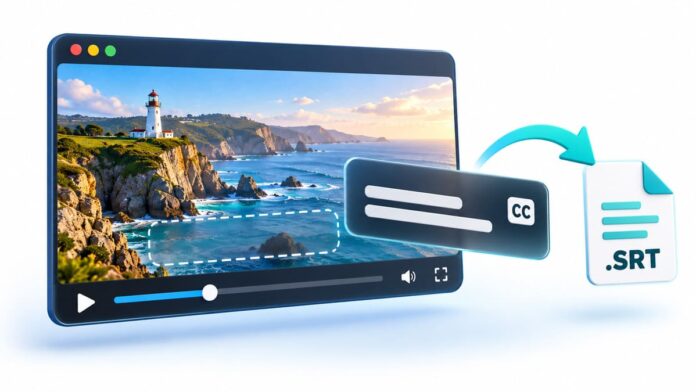
You save a video so you can watch it on the train, open it later, and the subtitles you relied...
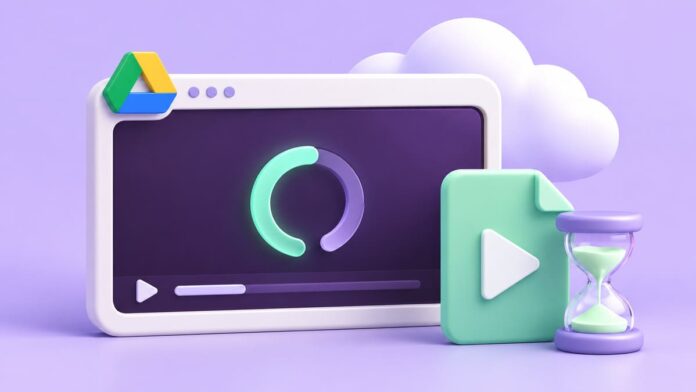
You upload a video to Google Drive, send the link to a friend, and they see a grey box with...

You've found a video you want to keep: a cooking demo, a lecture, a clip of your kid's school performance...
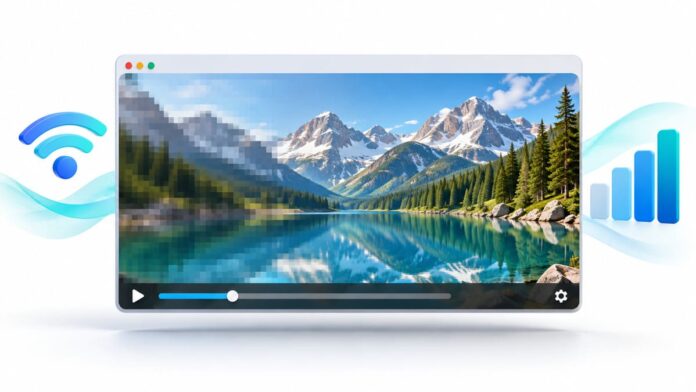
You press play and the picture looks like it was filmed through a steamy window. A few seconds later it...
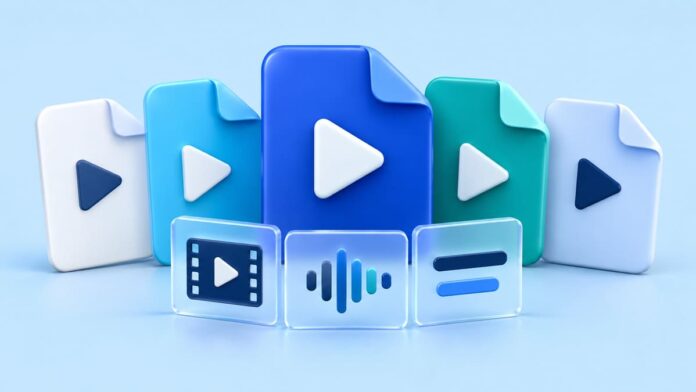
Pick a video file on your computer and look at its extension: .mp4, .webm, .mkv, .mov, maybe .ts. People talk...

Every video downloader, including ours, gets the same support email: "It works on every site except this one." Almost always...

Twenty years ago a web video was a file. The page pointed at movie.mp4, the browser downloaded it, and if...
VideoFetch is built for saving video you have the right to save. YouTube, Netflix, Twitch and other major platforms are...

VideoFetch's Preview opens the video link in a new tab and lets your browser play it. Modern Chrome, Safari and...

VideoFetch finds the video on a page; downloading it is optional. Learn how to preview a video without saving it,...

VideoFetch lists some videos as MP4 and others as HLS or Stream. Here's what the labels mean in plain language,...

VideoFetch is a website with its own virtual browser, so nothing runs on your device. Here's how that compares with...